On this page
- One Wompi connection can present several methods
- How the HighLevel checkout works
- Configure Wompi in Genius Checkout
- Connect Wompi to HighLevel
- Keep English-speaking buyers in an English journey
- Test each payment method as its own flow
- Recurring payments depend on the method
- Common setup failures
- Where Genius Checkout can connect Wompi
- Questions merchants ask
- Sources
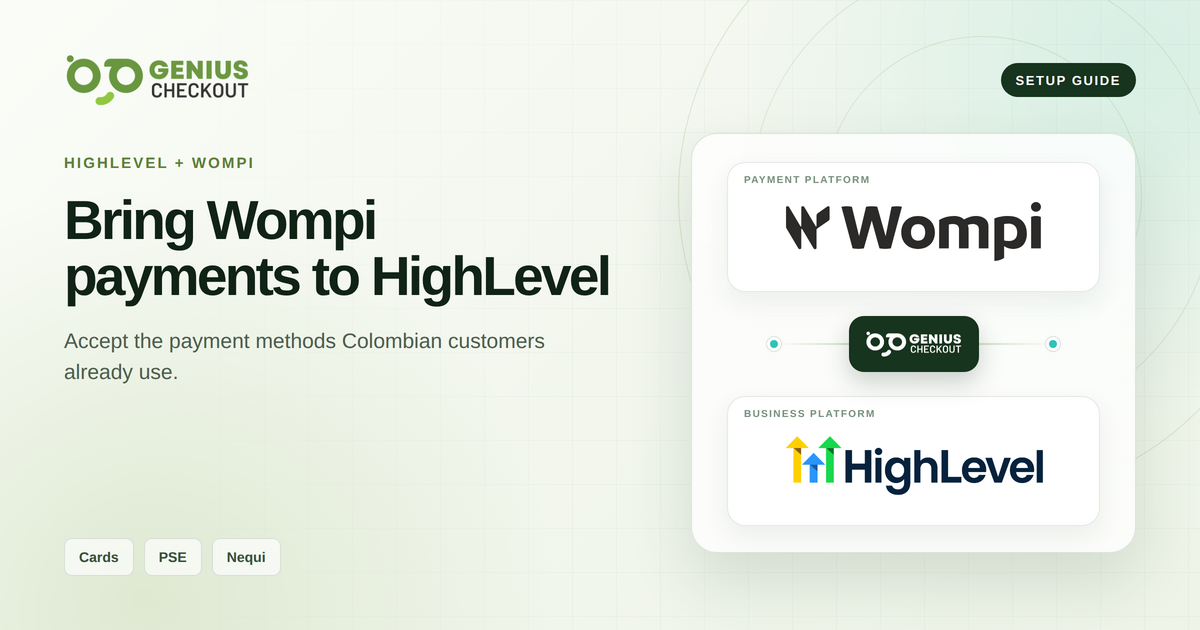
Genius Checkout connects Wompi Web Checkout to HighLevel as a custom payment provider. A Colombian merchant can offer the payment methods that Wompi enables for its account and transaction, which may include cards, PSE, Nequi, and other local methods. Wompi processes the payment; Genius Checkout returns the result to HighLevel.
This guide reflects the integration reviewed on September 4, 2026. Wompi controls method availability, currency rules, buyer authentication, and provider-hosted page behavior.
| Connection detail | Current Genius Checkout support |
|---|---|
| Platform names | HighLevel, GoHighLevel, GHL, LeadConnector |
| Gateway mode | Wompi Web Checkout |
| Payment choices | Methods enabled by Wompi for the merchant and transaction |
| Buyer language | Genius Checkout passes a supported locale into the checkout flow |
| Payment result | Returned to HighLevel and recorded in Genius Checkout |
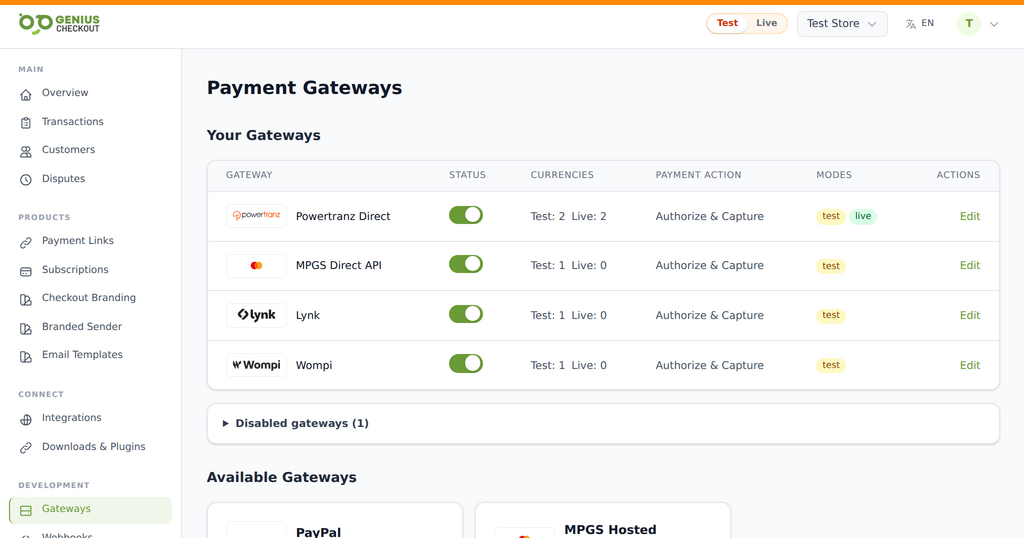 Wompi is configured as its own gateway. Genius Checkout then connects that merchant configuration to HighLevel and the other supported software listed below.
One Wompi connection can present several methods
The merchant configures Wompi once in Genius Checkout. Wompi Web Checkout then displays the options available for that transaction. Do not promise that every Wompi merchant receives every method.
| Method family | Buyer flow | Important condition |
|---|---|---|
| Credit and debit cards | Buyer enters card details in the provider flow | Wompi's current Colombia API guide documents Visa and Mastercard; availability and authentication depend on the account and issuer |
| Bancolombia Transfer Button | Buyer continues through a Bancolombia account-transfer flow | The merchant and transaction must be eligible |
| PSE | Buyer continues through the participating bank flow | Availability depends on Wompi configuration and transaction details |
| Nequi | Buyer follows the Nequi approval flow | The merchant and transaction must be eligible |
| Bancolombia cash correspondent | Buyer receives instructions for payment at an eligible physical correspondent | This method requires activation and completes asynchronously |
| Puntos Colombia (PCOL) | Buyer redeems points and may combine them with another method | The merchant must have the method enabled |
| Bancolombia financing | Buyer applies the provider's eligible installment option | Minimums and eligibility are controlled by Wompi |
| DaviPlata | Buyer uses an eligible DaviPlata account | Availability and recurring behavior depend on the account configuration |
| SU+ Pay | Buyer follows the provider's installment-payment flow | Availability is controlled by Wompi |
This list follows Wompi's current Colombia documentation; Wompi can change its catalog and may expose only a subset for a particular merchant. The controlled provider checkout is the final test of what a merchant can advertise. Genius Checkout records the selected method details that Wompi returns. It does not turn a wallet or bank transfer into a card transaction.
How the HighLevel checkout works
HighLevel sends the order and supported buyer details to Genius Checkout. Genius Checkout creates a unique checkout session and prepares the Wompi handoff.
The buyer continues to Wompi Web Checkout, selects an available method, and completes the provider's approval process. Genius Checkout receives the result and returns the correct status to HighLevel.
Wompi's page may block iframe display. The browser then needs a top-level handoff rather than another embedded frame. This keeps the provider-hosted checkout usable without forcing WooCommerce, Ecwid, or other integrations that already redirect to adopt iframe behavior.
Configure Wompi in Genius Checkout
- Open Gateways in the intended Genius Checkout merchant.
- Select Wompi Web Checkout.
- Choose test or live mode.
- Enter the public key, private key, event secret, and integrity secret requested for that environment.
- Select the supported currency and checkout options.
- Save the configuration and resolve every validation message.
- Confirm that the webhook or event callback can reach Genius Checkout.
Use the credentials from one Wompi environment as a set. Mixing a test public key with live secrets can prevent session creation or result verification.
Connect Wompi to HighLevel
- Open the HighLevel location that owns the product or payment surface.
- Install or open Genius Checkout in the HighLevel App Marketplace as the custom payment provider.
- Authorize the correct Genius Checkout merchant.
- Confirm the merchant name and environment.
- Add Genius Checkout to a controlled product.
- Run the test matrix for each payment method you plan to advertise.
Supported name, email, phone, address, and order fields pass into Genius Checkout when HighLevel supplies them. Genius Checkout should not insert a fabricated billing address when the buyer and source platform did not provide one.
Keep English-speaking buyers in an English journey
Genius Checkout derives the buyer locale from supported integration data and request context. It passes a normalized locale to Wompi where the provider flow accepts one.
Use these checks:
- Set the HighLevel page and buyer flow to English.
- Confirm that HighLevel passes the intended locale.
- Confirm that Genius Checkout renders English labels before the redirect.
- Confirm the language Wompi displays for that locale and country product.
- Keep merchant-created product names and descriptions in the desired language.
Provider-controlled screens still follow Wompi's supported languages and configuration. A translated Genius Checkout page cannot rewrite text hosted by Wompi.
Test each payment method as its own flow
A successful card test does not verify PSE or Nequi. Each method has its own buyer action, pending states, callback timing, and cancellation path.
For every enabled method, record:
- HighLevel order ID.
- Genius Checkout session and transaction ID.
- Wompi reference returned for the attempt.
- UTC timestamp and environment.
- Selected method.
- Result shown to the buyer.
- Status recorded in HighLevel.
Run success, decline or rejection, cancellation, pending, browser Back, and delayed-callback tests where the provider supports those states.
Recurring payments depend on the method
Do not describe all Wompi methods as reusable for automatic renewals. A card token, wallet approval, PSE payment, and other local method can have different recurring capabilities.
Before selling a recurring HighLevel product, confirm that the selected Wompi method returns a reusable instrument and that the merchant account and Genius Checkout plan allow future charges. If the method requires buyer approval for each payment, use a renewal link or provider-supported approval flow instead of an unsupported automatic charge.
Common setup failures
Wrong credential environment. All Wompi keys and secrets must belong to the same test or live environment.
Integrity signature mismatch. The amount, currency, reference, and integrity secret must match the values used to generate the signature.
Webhook missing. A browser return alone may not prove the final provider state. Wompi event delivery must reach the configured callback.
Method not displayed. Wompi may not have enabled the method for the merchant, country, currency, or transaction.
Spanish provider page in an English flow. Verify the incoming HighLevel locale, the locale Genius Checkout sends, and Wompi's language support for that hosted product.
Where Genius Checkout can connect Wompi
Wompi is the payment gateway. Genius Checkout connects that gateway to these business platforms and payment workflows:
- HighLevel funnels, products, and supported payment surfaces.
- WooCommerce stores.
- Ecwid storefronts.
- GiveWP donation forms.
- Hosted payment links and QR-code payments.
- Supported custom applications through the Genius Checkout API documentation.
The merchant configures Wompi once in Genius Checkout, then tests each destination's order return, pending states, and confirmation behavior.
Questions merchants ask
Can I guarantee that PSE and Nequi appear for every buyer?
No. Advertise methods that Wompi has enabled for the merchant and that appear in a controlled test for the intended transaction.
Does Genius Checkout process or settle Wompi funds?
No. Wompi processes and settles payments under its agreement with the merchant.
Can Wompi load inside HighLevel's iframe?
Provider security rules may block it. Genius Checkout uses a top-level secure handoff when required, then returns the result to HighLevel.
Where can I review the integration relationship?
Read the Wompi gateway overview and the HighLevel integration overview.
Sources
- Wompi developer documentation
- Wompi Colombia payment-method documentation
- HighLevel custom payments documentation
- Genius Checkout in the HighLevel App Marketplace
- Genius Checkout Wompi overview
- Genius Checkout HighLevel overview
Need help verifying an English Wompi journey or the enabled methods? Book a connection review.