Global gateway technology
Connect an MPGS merchant account to business software
Connect Mastercard Payment Gateway Services (MPGS) Direct or Hosted Checkout to WooCommerce, HighLevel, Ecwid, GiveWP, and supported platforms.
The connection
Mastercard Payment Gateway Services and Genius Checkout
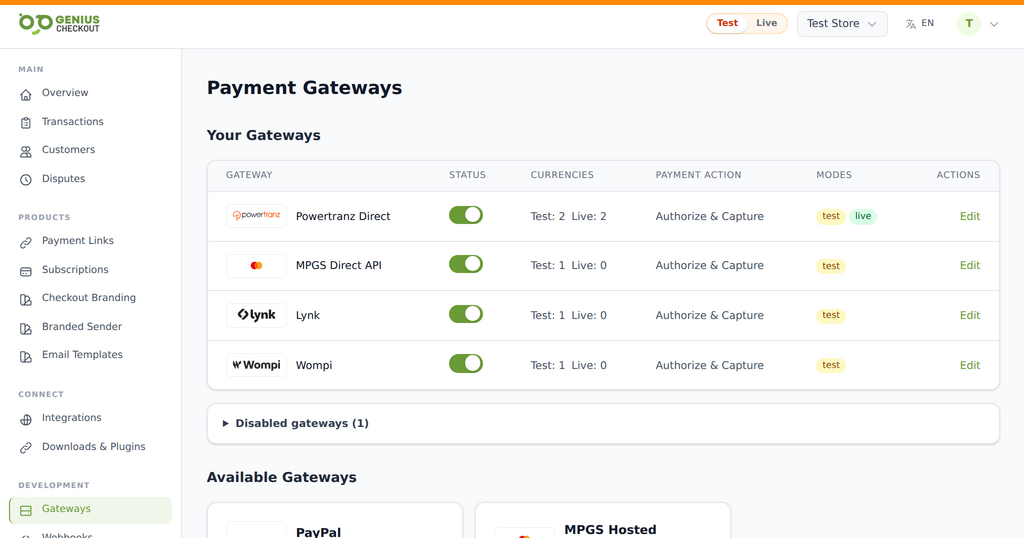
Banks and payment providers supply Mastercard Payment Gateway Services merchant access under their own commercial agreements. Genius Checkout connects those MPGS credentials to supported stores, CRMs, donation forms, and payment workflows.
Merchants can configure Direct or Hosted Checkout according to the credentials and features their bank enabled. The two modes use different buyer flows, so the setup must match the merchant onboarding details.
Available workflow
What the connection supports
- One-time payments through a Genius Checkout hosted checkout
- Transaction records and payment status in one merchant dashboard
- Refund, void, and capture actions when the gateway and payment state allow them
- Webhooks and integration callbacks for supported software platforms
- Saved-card and recurring flows when tokenization is provisioned
- Hosted Checkout branding through the MPGS merchant configuration
Software connections
Where you can use Mastercard Payment Gateway Services
Configure the approved payment service once in Genius Checkout, then connect and test each business workflow independently.
WooCommerce
Connect checkout, order status, compatible subscriptions, and supported post-payment actions through the WordPress plugin.
Explore the connection 02HighLevel
Collect payments from supported funnels, products, and customer journeys with the marketplace payment provider.
Explore the connection 03Ecwid
Send storefront orders into a secure hosted payment flow and return the result to the originating order.
Explore the connection 04GiveWP
Accept one-time and compatible recurring donations through supported WordPress donation forms.
Explore the connection 05Payment links and QR codes
Collect remote payments without requiring a full ecommerce storefront.
Explore the connection 06Custom applications
Use the Genius Checkout API for approved custom platforms and business workflows.
Explore the connectionImplementation path
Connect without guessing at the gateway
Use the provider details issued for the merchant account. Test and live credentials must stay in their matching environments.
- 01
Connect your merchant account
Add the credentials supplied by your bank, gateway, or wallet provider to Genius Checkout. Test and live credentials stay separate.
- 02
Connect the software
Install or authorize the Genius Checkout integration for the platform. The connection keeps gateway credentials outside the store or CRM.
- 03
Run a controlled test
Use the approved test mode, verify the return flow and order status, then repeat the checklist in live mode with a permitted low-value transaction.
Before you start
What you need
Keep credentials out of email and screenshots. Enter them only inside the secure merchant configuration.
- An active MPGS merchant ID
- API authentication or Hosted Checkout credentials for the selected mode
- The gateway base URL supplied by your bank or acquirer
- Currencies and transaction operations enabled on the account
Merchant questions
Answers before you connect
Who supplies MPGS credentials?
The bank or payment provider that approved the merchant account supplies the merchant ID and gateway details. Some API credentials must be created inside the merchant portal.
Should I select Direct or Hosted Checkout?
Use the mode your bank provisioned and that matches the checkout experience and compliance requirements for the project. The credential sets are not interchangeable.
Can MPGS run recurring payments?
Recurring payments depend on tokenization and merchant-account permissions. Confirm those capabilities with your bank before launching a subscription product.
Ready to connect?