On this page
- Identify the MPGS account before configuring it
- Direct and Hosted Checkout are separate integrations
- How the HighLevel payment travels
- Configure MPGS in Genius Checkout
- Connect the HighLevel location
- Test the complete return path
- Diagnose “Could not start payment” or HTTP 502
- Recurring payments need tokenization approval
- Use the same MPGS connection beyond HighLevel
- Questions merchants ask
- Sources
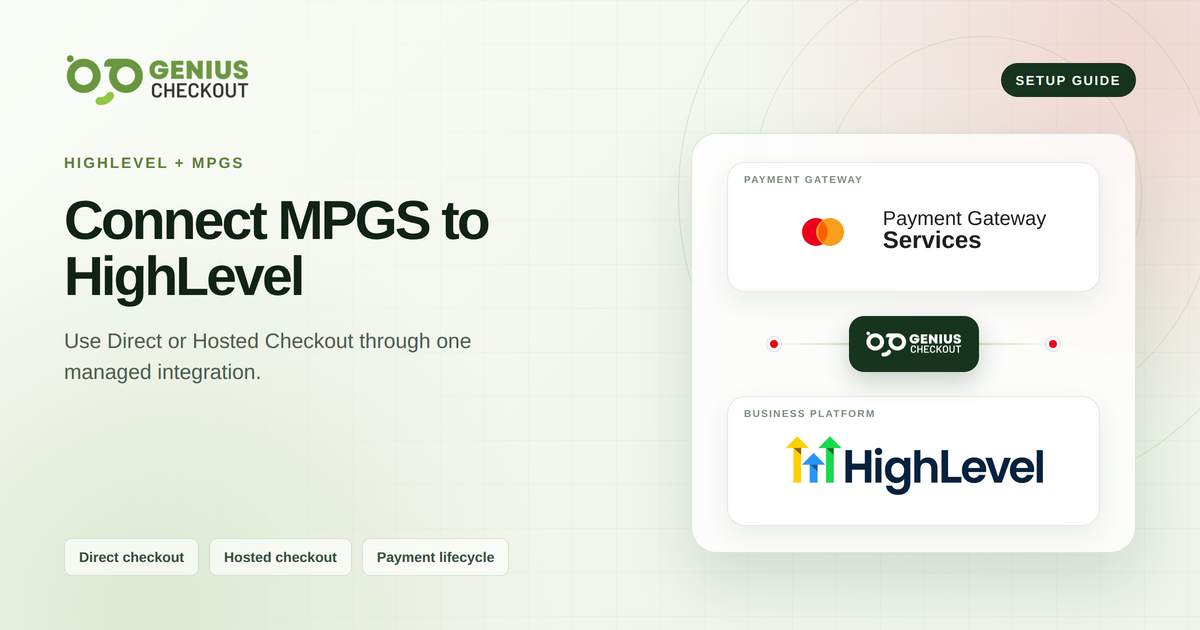
Genius Checkout connects a supported Mastercard Payment Gateway Services account to HighLevel as a custom payment provider. The merchant keeps its bank and MPGS relationship. Genius Checkout creates the checkout session, manages the payment handoff, and returns the result to HighLevel.
This guide reflects the Genius Checkout implementation reviewed on September 4, 2026. Confirm gateway URLs, currencies, tokenization, and transaction permissions with the bank or payment provider that issued the MPGS account.
| Connection detail | Current Genius Checkout support |
|---|---|
| Platform names | HighLevel, GoHighLevel, GHL, LeadConnector |
| Gateway names | Mastercard Payment Gateway Services, MPGS, Mastercard Gateway |
| Gateway modes | MPGS Direct and MPGS Hosted Checkout |
| One-time payments | Supported |
| Recurring charges | Supported when the account and method provide a reusable token |
| Settlement | Handled under the merchant's bank or acquiring agreement |
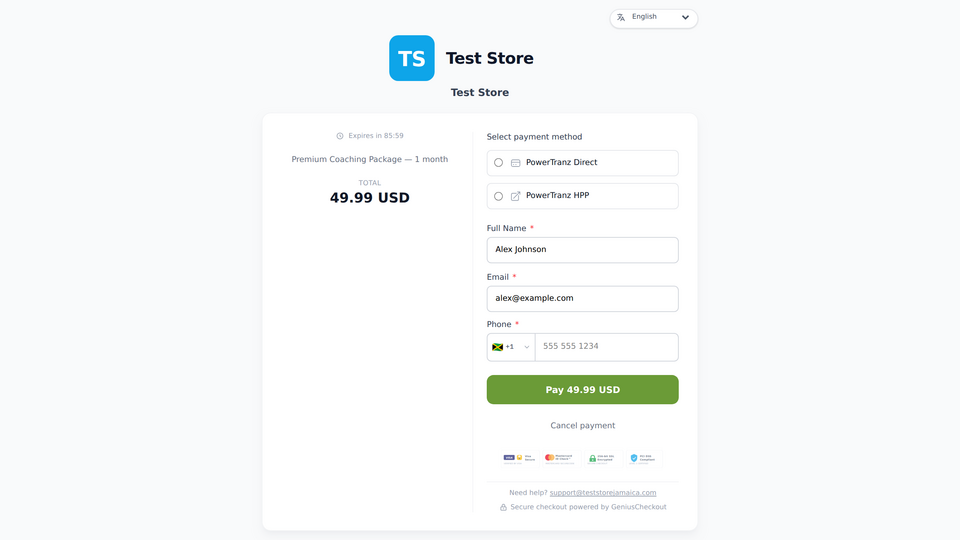 The merchant controls its Genius Checkout branding and enabled payment methods. The provider determines which gateway operations the account can perform.
Identify the MPGS account before configuring it
Banks and payment providers issue MPGS accounts with a merchant ID, a regional gateway host, and authentication details. A branded bank portal can still use MPGS technology, but the portal name alone does not prove the correct Genius Checkout mode.
Check the welcome pack and gateway portal for:
- Merchant ID.
- Gateway base URL or region.
- API password or operator credentials for Direct.
- Hosted Checkout permissions and merchant settings for HPP.
- Test and production separation.
- Enabled currencies.
- Tokenization and recurring-payment permissions.
Use “your bank, for example Sagicor” when explaining who provides MPGS access. Do not state that a bank uses MPGS for every merchant or country unless the bank confirms that relationship for the account.
Direct and Hosted Checkout are separate integrations
The modes can reach the same merchant account but use different request and buyer flows.
| Decision | MPGS Direct | MPGS Hosted Checkout |
|---|---|---|
| Payment interface | Genius Checkout coordinates the Direct flow | MPGS presents the hosted checkout |
| Authentication | API credentials issued or created for the merchant | Hosted Checkout configuration and session API access |
| Branding | Controlled in Genius Checkout within gateway limits | Logo and appearance settings come from the MPGS merchant configuration |
| Browser behavior | Depends on card authentication and checkout flow | Opens as a provider-hosted page and may require top-level navigation |
| Compliance scope | Confirm from the full implementation | Confirm from the full implementation |
The merchant's credential set decides which mode can start. An API password does not substitute for Hosted Checkout provisioning, and a hosted-page setup does not establish Direct access.
How the HighLevel payment travels
HighLevel sends the supported order and buyer fields to Genius Checkout. Genius Checkout creates a unique checkout session and selects the configured MPGS route for the transaction currency.
For Hosted Checkout, the buyer moves to the MPGS page. Provider pages may refuse to load inside another company's iframe, so Genius Checkout can use a top-level handoff and then return the result to HighLevel.
For Direct, Genius Checkout coordinates the payment and required card authentication according to the configured flow. The platform records the provider response, creates its own transaction history, and reports the outcome to HighLevel.
Configure MPGS in Genius Checkout
- Open Gateways in the correct Genius Checkout merchant.
- Select MPGS Direct or MPGS Hosted Checkout.
- Select test or live mode.
- Enter the merchant ID, authentication details, and gateway URL required for that mode.
- Select only the currencies enabled by your bank or payment provider.
- Add the hosted-checkout logo through the media library when using HPP. A square 1000 by 1000 pixel source image gives the configuration room to resize it.
- Save and resolve every visible validation message.
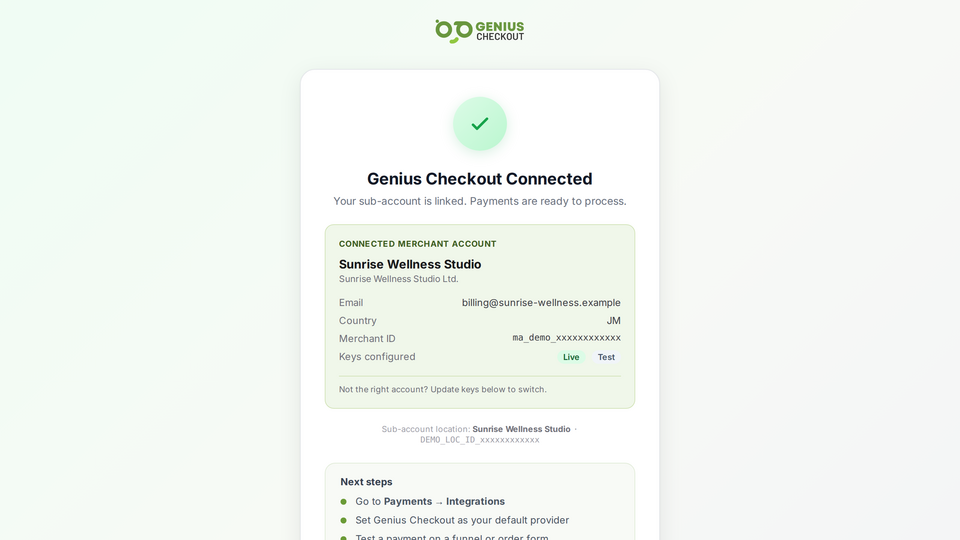 Use the values issued for the selected MPGS mode and environment. A test gateway URL paired with production credentials will fail.
Connect the HighLevel location
- Open the HighLevel location that owns the products and payments.
- Install or open Genius Checkout in the HighLevel App Marketplace as the custom payment provider.
- Authorize the intended Genius Checkout merchant.
- Confirm the merchant name shown in the connection.
- Add Genius Checkout to a controlled test product.
- Run the one-time and recurring test sets separately.
Name, email, phone, address, order reference, and other supported fields can pass into Genius Checkout when HighLevel supplies them. The integration should not invent missing customer data.
Test the complete return path
Record the HighLevel order, Genius Checkout transaction, receipt, MPGS gateway reference, UTC timestamp, mode, environment, and result for each test.
Run these cases:
- Successful payment.
- Declined payment.
- Buyer cancellation from the MPGS page.
- Browser Back action from Hosted Checkout.
- Successful return to the HighLevel confirmation.
- Saved-card payment if tokenization is enabled.
- Subscription setup and merchant-initiated renewal if recurring payments are enabled.
- Refund or void from the system your operations team will use.
The Hosted Checkout Back and Cancel controls must let the buyer exit. A return loop that sends the buyer straight back to MPGS needs correction before launch.
Diagnose “Could not start payment” or HTTP 502
An HTTP 502 on the MPGS start route describes an upstream or integration failure, not a completed decline. Check the Genius Checkout API log and correlation ID, then verify:
- The merchant has an active MPGS configuration in the selected mode.
- The gateway URL belongs to the same environment as the credentials.
- The currency is enabled in Genius Checkout and MPGS.
- The merchant ID contains no hidden spaces.
- Required Hosted Checkout permissions exist.
- The upstream gateway responded within the allowed time.
Genius Checkout should create an operational log even when MPGS fails before a financial transaction exists. Support needs that record to separate a provider error from a platform error.
Recurring payments need tokenization approval
One-time success does not prove recurring readiness. The account must support reusable payment tokens and the relevant merchant-initiated transaction behavior. Genius Checkout also enforces plan capabilities.
A renewal retry creates a new payment attempt and transaction. The previous failed transaction remains unchanged so both systems retain an accurate audit trail.
Use the same MPGS connection beyond HighLevel
The merchant configures MPGS once in Genius Checkout. The account's enabled mode and capabilities determine which of these connections it can support:
- WooCommerce stores.
- Ecwid storefronts.
- GiveWP donation forms.
- Hosted payment links and QR-code payments.
- Supported custom applications through the Genius Checkout API documentation.
Test each software connection. Return URLs, status synchronization, saved-payment behavior, and refund entry points differ by platform.
Questions merchants ask
Does Sagicor eCommerce work with HighLevel?
A merchant can use a supported MPGS account supplied by its bank, for example Sagicor, with this HighLevel integration. Configure the exact gateway host, mode, credentials, currencies, and permissions issued for the account. Read the Sagicor eCommerce overview.
Can MPGS Hosted Checkout remain inside the HighLevel iframe?
Provider security headers can block embedded display. Genius Checkout uses a top-level secure handoff where required and returns the payment result to HighLevel.
Does Genius Checkout settle the money?
No. The merchant's bank or payment provider processes and settles the funds under its agreement.
Where can I review every MPGS field?
Use the MPGS gateway overview and the field-level Genius Checkout MPGS guide.
Sources
- Mastercard Gateway API documentation
- HighLevel custom payments documentation
- Genius Checkout in the HighLevel App Marketplace
- Genius Checkout MPGS overview
- Genius Checkout HighLevel overview
Need help identifying the correct mode without sharing secret credentials? Book a connection review.